Quick answers about payments, your wallet, airtime, data, electricity, cable TV and more.
General
Paybeta is a secure payment platform for everyday services: airtime and data for MTN, Glo, Airtel and T2Mobile, electricity tokens and bills for all major DisCos, DStv, GOtv, StarTimes and Showmax subscriptions, and JAMB and WAEC PINs.
You can also schedule payments to run automatically and recharge many numbers at once with bulk airtime.
Not always. You can pay for airtime, electricity, cable TV and JAMB PINs without an account. You only need your email, phone number and a payment method.
A free account is needed for data bundles, WAEC PINs, scheduled payments and bulk airtime, and it gives you a wallet and a full history of your receipts. Create a free account.
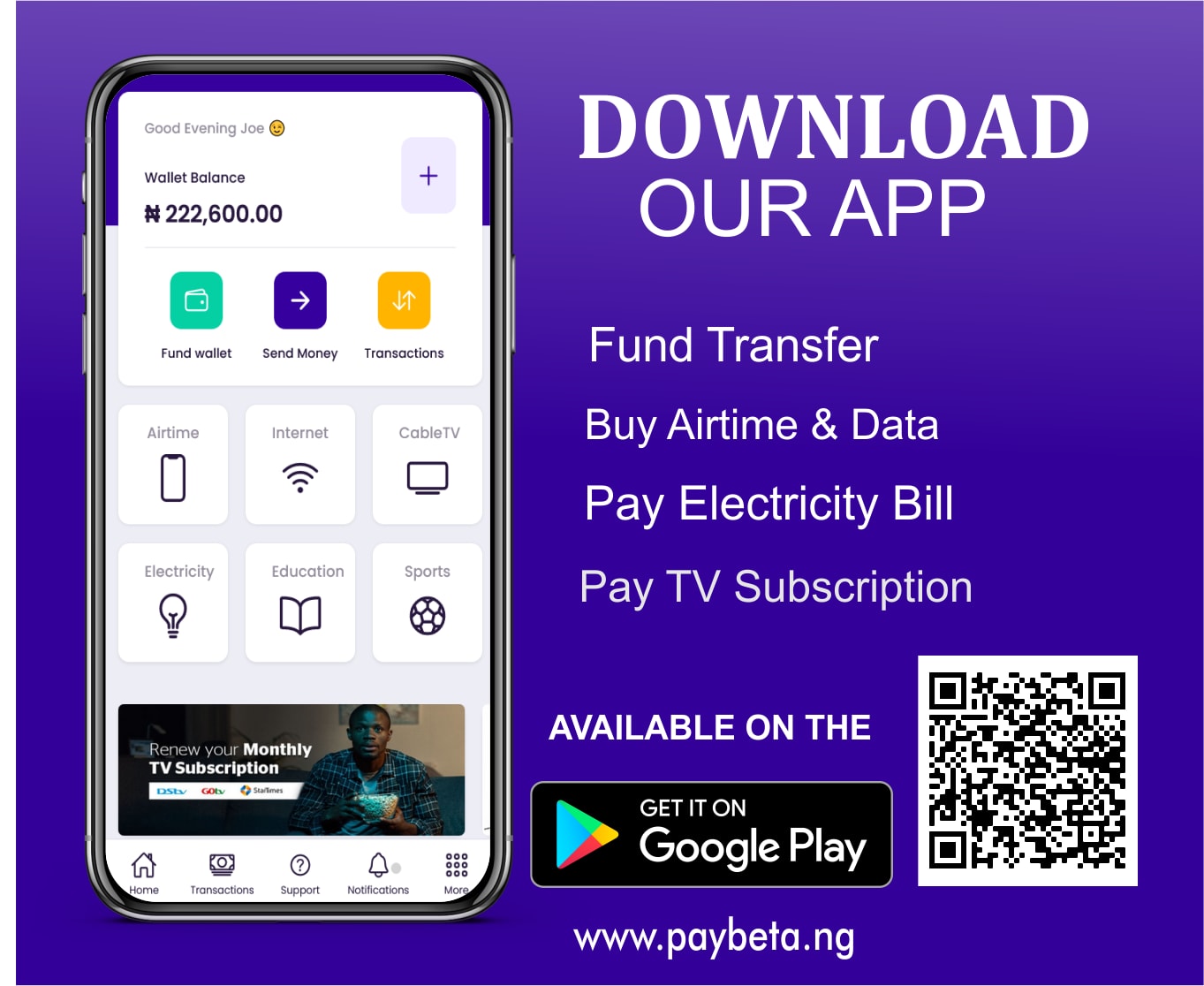
Yes. Android users can download the Paybeta app from Google Play. On iPhone, you can add Paybeta to your Home Screen so it opens like an app. See how to install Paybeta on iPhone.
Payments & wallet
You can pay with a debit card (Mastercard, Visa or Verve), bank transfer, USSD or your Paybeta wallet.
No additional charges for airtime and data. Some other services may carry a small convenience fee, which is always shown clearly before you complete your transaction.
Sign in and open Wallet & funding to see your dedicated wallet account. Transfer money to it from any Nigerian bank and your balance updates automatically.
This happens on very rare occasions. First check the status of your payment on the verify page. If it still isn't resolved, contact us with your transaction reference and we'll sort it out promptly.
Airtime & data
Airtime and data are delivered instantly to the number entered, so they can't be reversed once completed. Please contact the network provider for any reconciliation.
Always double-check the phone number before confirming your transaction.
Dial *310# for airtime on any network. For data, dial *323# on MTN and Airtel, *127*0# on Glo and *228# on T2Mobile. Codes are set by each network and may change.
Yes. 9mobile is now T2Mobile, and you can buy airtime and data for T2Mobile lines on Paybeta.
Electricity
This could be because of:
We advise you to visit or call your electricity distribution company for clarity.
No. Tokens are generated and encrypted for the specific meter number used, so they only work on that meter and can't be transferred.
Always double-check your meter number. We show the name on the meter before you pay so you can confirm it.
Use token retrieval to resend it to your phone and email, or check your payment on the verify page.
Cable TV
It's the number assigned to your decoder:
Yes. Select your bouquet, then edit the amount to cover the number of months you want.
Renewals are processed instantly. Keep your decoder switched on while you pay so it activates straight away.
Education
The candidate's JAMB profile code. We show the candidate's name so you can confirm it before you pay. Buy a JAMB PIN.
Sign in to your Paybeta account to buy WAEC result checker and registration PINs. They're saved in your transaction history. See all education PINs.
Scheduled & bulk
Schedule airtime, data, cable TV or electricity to pay automatically from your wallet: once on a date you choose, or daily, weekly or monthly. You get email and in-app reminders 24 hours and 30 minutes before each payment. Set up a schedule.
The payment is marked as failed and you are not charged. We'll tell you why it failed, and you can top up and retry it from your scheduled payments page.
Bulk airtime lets you recharge many numbers across MTN, Glo, Airtel and T2Mobile at once by uploading a simple CSV file. Each number is processed on its own, and you can download a results report when it's done.
Earn with Paybeta
There are several ways:
See the live commission rates.
We use essential cookies to keep Paybeta secure and working. With your permission we'd also like to use analytics cookies to understand how the site is used and improve it. You can change your choice at any time from "Cookie settings". Read our Privacy Policy.