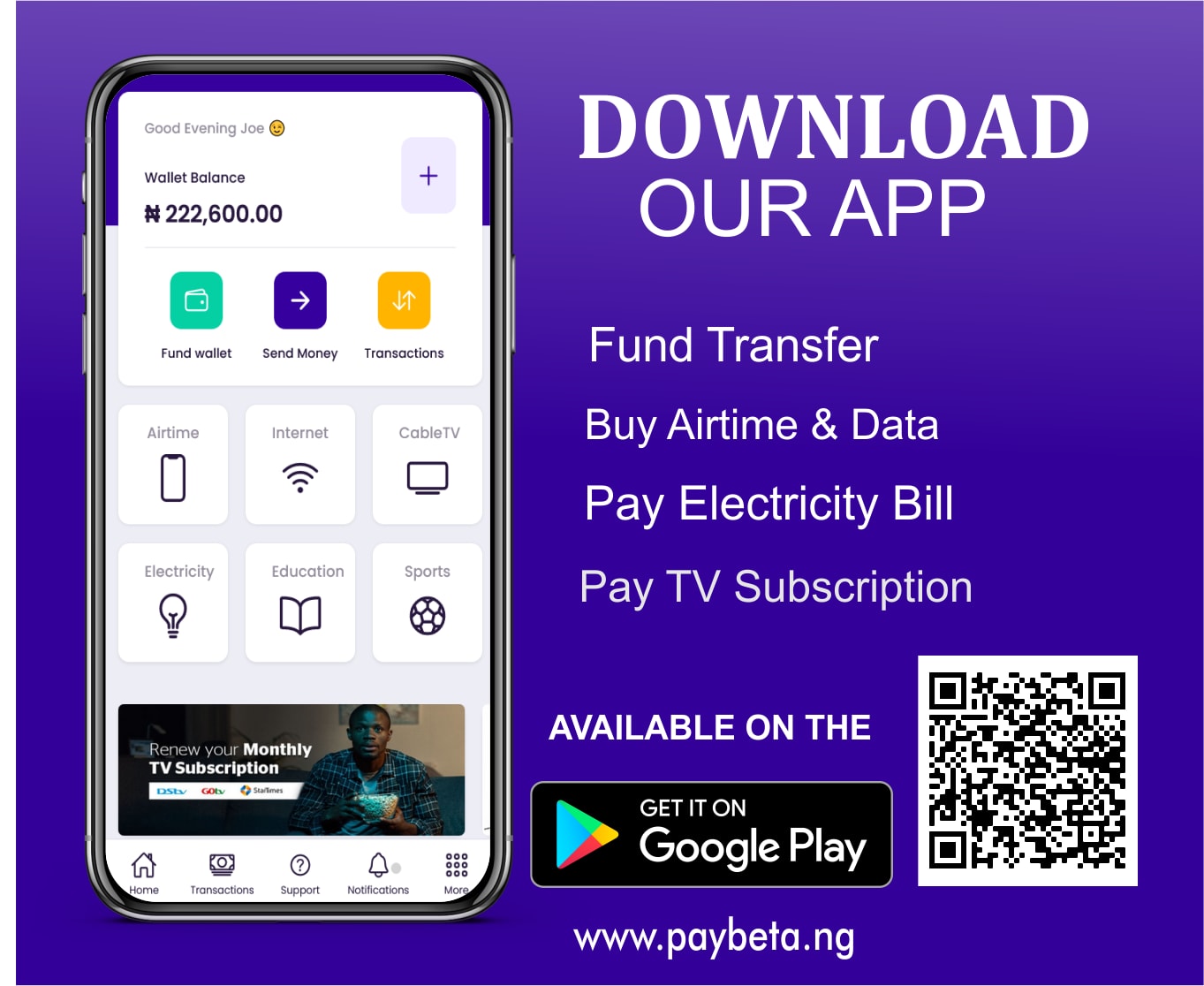
Schedule airtime, data, cable TV and electricity once, and Paybeta pays them from your wallet on time, every time. You get a reminder before each payment and stay in full control.
Pick airtime, data, cable TV or electricity, the provider and the phone, smartcard or meter number.
Choose the start date and time and how often it repeats. Add a note like "Airtime for Dad" so you know what it's for.
Approve once with your transaction PIN. From then on, each payment comes from your wallet automatically.
Keep a line topped up: yours, your parents' or your team's.
Renew a daily, weekly or monthly plan before it runs out.
Renew DStv, GOtv, StarTimes or Showmax on time, every month.
Buy prepaid tokens or pay a postpaid bill on a set date.
You get an email and an in-app notification before each payment, so there's time to top up your wallet or make a change.
Create, list, pause, resume and pay schedules from the Paybeta mobile app API. Same rules, same reminders.
Explore the APIGET /app/v1/scheduled-payments POST /app/v1/scheduled-payments POST /app/v1/scheduled-payments/{ref}/pause POST /app/v1/scheduled-payments/{ref}/resume POST /app/v1/scheduled-payments/{ref}/pay-now
From your Paybeta wallet. Keep enough balance before each payment date; the reminders a day and 30 minutes before help you plan.
The payment doesn't go through and you get an email and in-app alert. Top up your wallet and use Pay now to complete it.
No. Pay now runs one payment straight away and your next scheduled date stays exactly the same.
Nothing is paid while it's paused. When you resume, it picks up from the next upcoming date; missed dates are skipped, not charged.
Up to 20 open schedules at a time. A schedule can start as soon as 10 minutes from now or as far as a year ahead.
Yes. Use any phone, smartcard or meter number, and add a description so you remember who it's for.
Set up your first scheduled payment in under a minute.