- Visit the Paybeta.ng website
- Select the DISCO want to make payment.
- Fill your details like (Meter number, meter type, email, phone number, amount)
- Click on continue (This will confirm the name on the meter number you provided to be sure you are paying for the right meter number)
- Choose an online payment method like pay with wallet or pay with card. (If you select pay with wallet then you will have to create a Paybeta account and fund the wallet) or can simply choose pay with card if you have your with you.
- Complete your payment with your card details (you can be rest assured that your details are secured because we have partnered with industry leaders to process card payment and we don not store any card details on our database)
- Once payment is complete you will be redirected to successful payment page, a token will be generated for you.)
- In addition to been redirected to successful payment page, you will also get an SMS and email alert to confirm your transaction along with your token.
Electricity
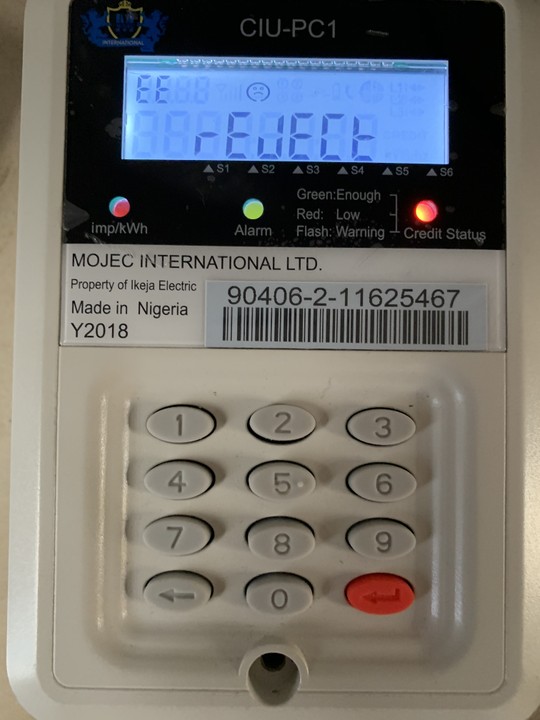
Unable to Load Token: MOJEC Prepaid Meter showing Failed
Many new Mojec prepaid meter users often ask, “Why is my prepaid meter...
Read More

Comments (0)
No comments yet. Be the first to share your thoughts.
Leave a Comment