There’s a whole world of seamless transactions you can make with the
Paybeta app, and settling your DSTV payment is just one of them. It’s a new world out there. People want services they can purchase on the go. Therefore, solutions that save time and stress are the order of the day.
Similarly, when you use Paybeta, you can easily buy
data and
airtime, pay Cable TV subscriptions and electricity bills, buy insurance covers, and pay education bills from the comfort of your phone.
As an official payments partner for Multichoice, Paybeta helps to facilitate easy payment for your
DSTV decoders and it’s as easy as click, pay, go!
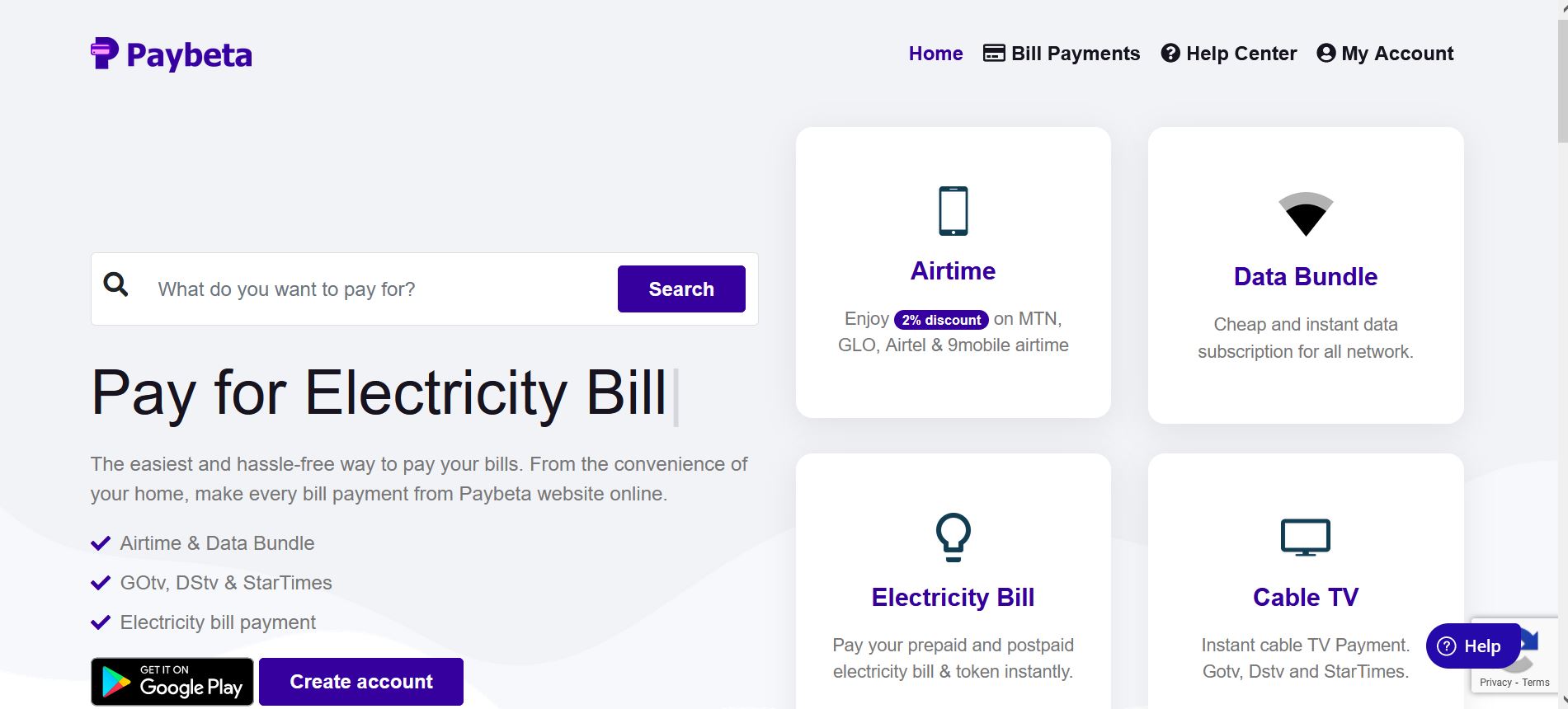
Here’s how it works:
- Download/log in to the Paybeta app or website.
- Select Pay TV Subscription’
- Click on Cable TV
- Click on DSTV Subscription
- Select Bouquet, enter the DSTV smartcard number, put in your phone number, email address, and amount, and press ‘continue’
- Confirm transaction details. Choose a payment method and you’re done in these 6 easy steps!
Here’s one more reason you should use Paybeta. We will send a mail to DSTV on your behalf when you are having re-connection issues. You will get reconnected within the next hour after that. We’re customer-centric like that!
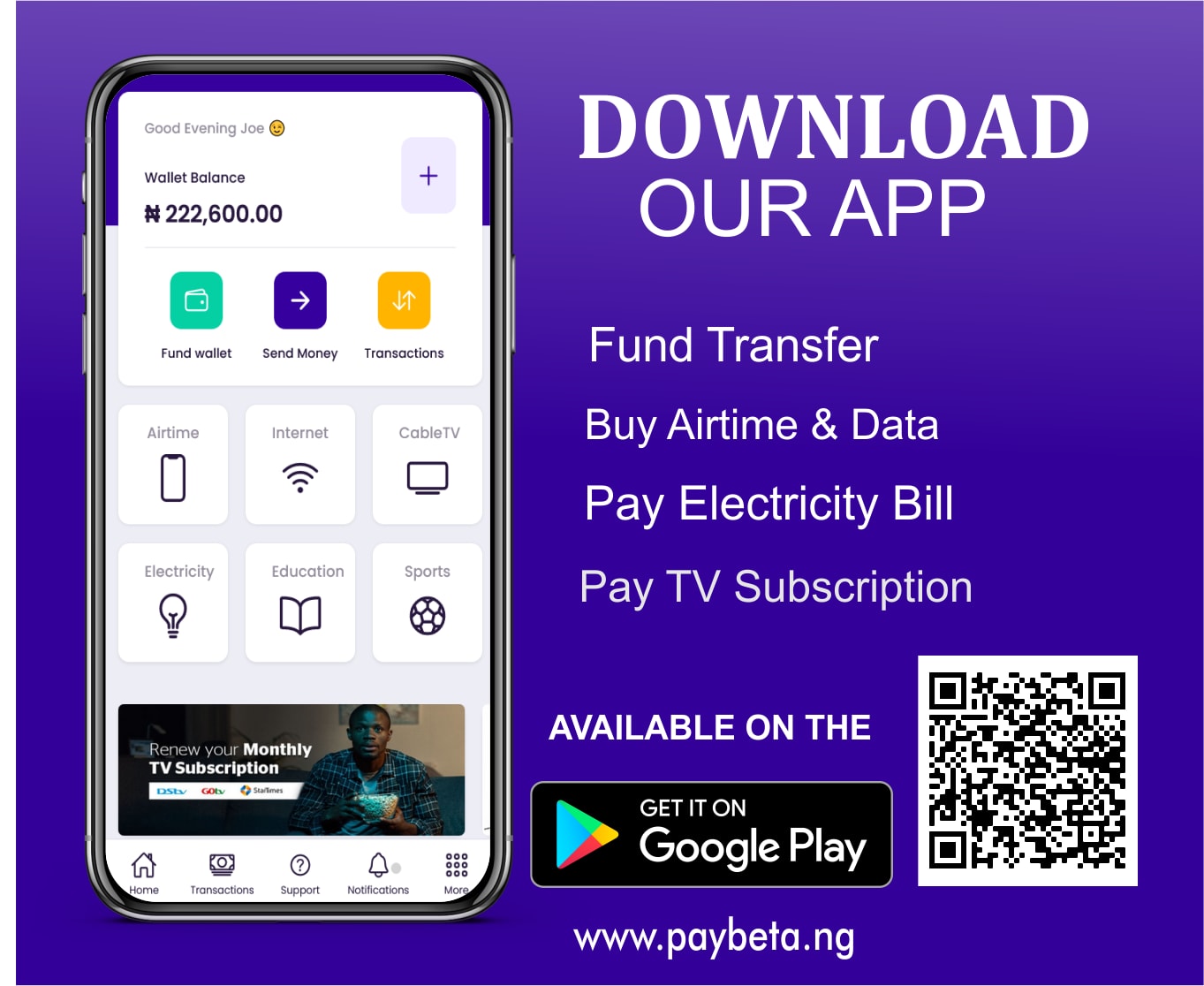
Download the Paybeta app or visit
www.paybeta.ng to make your payments now!
Are you having re-connection issues with your decoder? Worry no more. Simply follow the article in this link
here to learn how to clear the error code on your TV screen.



Comments (0)
No comments yet. Be the first to share your thoughts.
Leave a Comment