How do I check the energy balance on the NHC meter?
Input the following short codes on the UIU and press enter:
| METER TYPE | SHORT CODE |
| Hexcel Meter | Input 00 & press enter and the current unit on the meter will display |
| Conlog Meter | Input 009 & press enter and the current unit on the meter will display |
| EDMI Meter: | Single Phase: Input 10 & press enter and the current unit on the meter will display Three Phase: Input 01 & press enter and the current unit on the meter will display |
- Matching / Pairing of UIU with Meter
| Hexcel Meter=46xxxxxxxxx Put the meter number and enter and 00 enter to confirm communication (meter will display success) | Conlog Meter=04xxxxxxxxx Put the meter number and enter (meter will display succeed) |
| EDMI Meter=43xxxxxxxxx Input 755204 Enter, after input the last 9 digits of meter number, finally press “ ” key. Pairing is done Three Phase: Punch the meter number and press enter (meter will display YaYaYa) | |
| Hexcel Meter=46xxxxxxxxx · Punch in the 1st 20 digits and press enter. · Meter will display success. · Then continue with 2nd digits and meter will display success · After this, you can buy energy. | Conlog Meter=04xxxxxxxxx · Punch in the 1st 20 digits and press enter. · Meter will display succeed. · Then continue with 2nd digits and meter will display succeed · After this, you can buy energy. |
| EDMI Meter=43xxxxxxxxx · Punch in the 1st 20 digits and press enter. · Meter will display YaYaYa. · Then continue with 2nd digits and meter will display YaYaYa · After this, you can buy energy. | |
- Punch in all 20 digits and press enter.
- Meter will display success.
- An sms will be sent to your mobile phone within 72hours after installation. If not received you can also
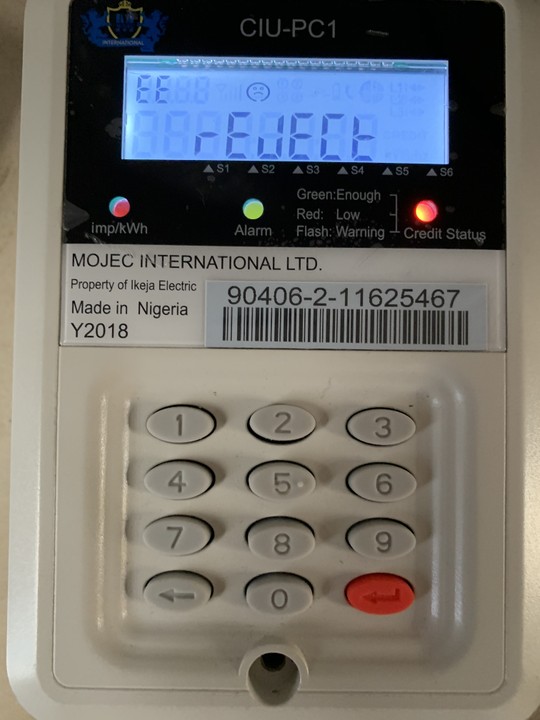
- Log on to IE portal http://www.ikejaelectric.com/keychange/. Input your meter number and click the submit button. Activation token will be displayed instantly. For meters that do not require activation token, an error message will be displayed as shown below;




Comments (0)
No comments yet. Be the first to share your thoughts.
Leave a Comment